
Join our in-game event
Published: December 9, 2024 - View official source
We interrupt today’s broadcast with a breaking story from the anticipated Minecraft in-game event that has taken an unexpected, if not outright unsettling, twist.
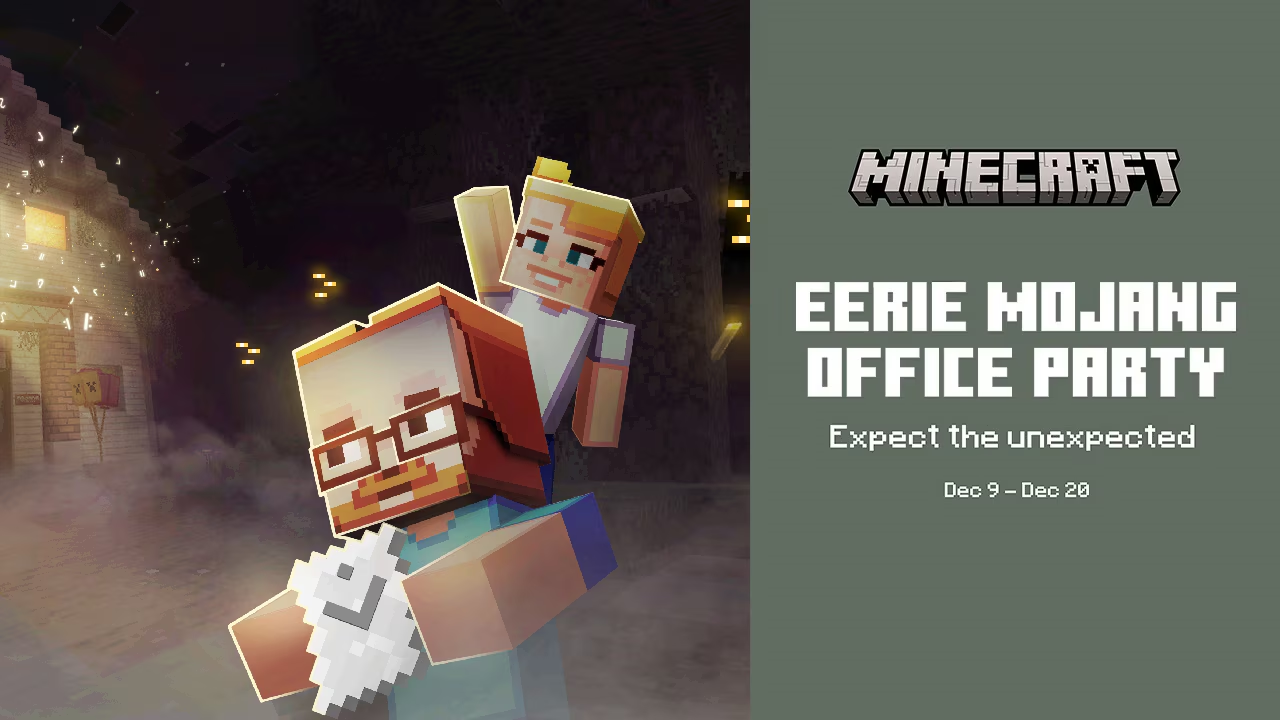
I am standing outside Mojang Studios where thousands of players across the world (yes, including you!) have been invited to the Eerie Mojang Office Party* – also known as “the party of the year.” From 10am PT on December 9 to 3pm on December 20, players of Minecraft: Bedrock Edition can enter the virtual office doors to play mini-games, win prizes, and explore behind the scenes of making the blockiest game in the world.
But between tampering with hypothetical environments in the top-secret Biome Lab to braving some serious Device Parkour and exploring the previously off-limit Idea Vault containing the most controversial of experiments, attendees claim that something... strange has infiltrated the festivities.
An employee at Mojang Studios who wants to remain anonymous, but looks an awful lot like Steve, reports that something unsettling has escaped the source code. So far, there have been reports of creepy sounds in Mob Factory, some unidentified vegetation taking over the building, and even malware corrupting the Q/A Testing.
All we have been able to confirm so far is that the screams are not only coming from players riding the rollercoaster in the lobby. If there are any hobby investigators, neighborhood vigilantes, or reckless party animals out there, we urge you to make your way to the Eerie Mojang Office Party* at 10am PT on December 9 to help us get to the bottom of this mystery.
How to join the in-game event
Join the Eerie Mojang Office Party by clicking the dedicated button on the main screen in Minecraft: Bedrock Edition. The server will be live from December 9 at 10am PT until December 20 at 3pm PT – hopefully plenty of time to solve the mystery! Or fall victim to a jump scare or two...
Please note the event won’t be available in other versions of Minecraft so make sure you are launching Minecraft: Bedrock Edition. You’ll also need an internet connection to take part in the event, which means that you must have a subscription that includes online play on consoles, like Xbox Live Gold/Game Pass, PlayStation Plus, or Nintendo Switch Online. To join from a child account, make sure that server play is enabled in the account’s settings; this is turned off by default.
What is a Minecraft in-game event?
If this is your first in-game event, reliable sources have confirmed that you are, indeed, in for a treat. Once in a blocky moon, the team behind Minecraft decide to throw a big party on a server to celebrate their community. This time, they’ve invited you to an eerie reimagination of the Mojang Studios offices! At this in-game server event, thousands of Minecraft players across the world come together to play a themed map in Minecraft: Bedrock Edition.
This server only exists for a limited time, and during that time you’ll get to explore a new world, take on challenges with other players, and even collect stickers in our daily challenges to exchange for free Character Creator items to keep after the event!*. Complete one daily challenge to get a cap, three daily challenges to get a shirt, and five daily challenges to receive a cape! All cape collectors will be happy to know that the cape will work on Java too! Just restart your Minecraft launcher after you've earned your cape in Bedrock.
Eerie Mojang Office Party Worldwide Times
Pacific Time (US) PT: 10:00 December 9 - 15:00 22:00 December 20
Mountain Time (US) MST: 11:00 December 9 - 16:00 December 20
Central Time (US) CST: 12:00 December 9 - 17:00 December 20
Eastern Time (US) EST: 13:00 December 9 - 18:00 December 20
Sao Paulo (Brazil) BRT: 14:00 December 9 - 19:00 December 20
London (UK) GMT: 18:00 December 9 - 23:00 December 20
Stockholm (Sweden) CET: 19:00 December 9 - 00:00 December 21
Tokyo (Japan) JST: 02:00 December 10 - 07:00 December 21
*Requires the latest version of Minecraft: Bedrock Edition (sold separately), with internet access, and requires platform-specific online subscription (sold separately). After collecting the stickers, your special reward will be automatically granted. You may need to restart to client to see the items.