How to Customize a Player Skin with a Skin Pack
Published: September 6, 2024 - View official source
What if you have a great idea for a skin, but you can’t find anything like it anywhere? Or if you just want to create an entirely unique outfit that fits the vibe of your world? Maybe you have no clue what "skins" and "skin packs" are or how you make them? Let’s find out!
A Minecraft skin is like a big pixel-painting that is wrapped around your character. Even though “Minecraft skin” may sound odd, all they do is change the appearance of your in-game character. Minecraft skins can show off your personality, your culture, your favorite movies, the achievements you've unlocked, and can help you identify people on a shared server. Many players like to pick (or even make) their own custom appearances.
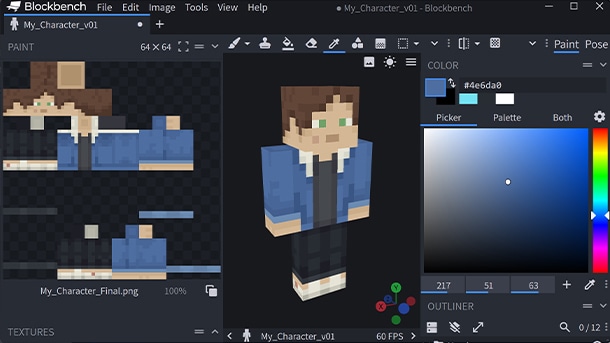
Creating a skin is easy and can be customized down to the individual pixel! This is possible by painting the texture file displayed on top of your in-game character, and it can be done with everything from graphics editors to certain types of third-party software or websites. Some players don't settle with one skin and like to make a whole bunch of them on a similar theme. These can be bundled as "skin packs."
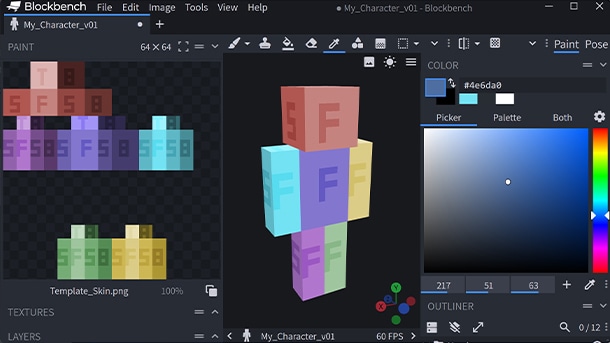
If you like drawing, then making skin packs can be a fun experience. There is a starter skin you can download from the tutorial page that has each facet of the player skin color-coded so that you can get an idea about which areas of the skin are mapped onto the different areas of the player’s body.
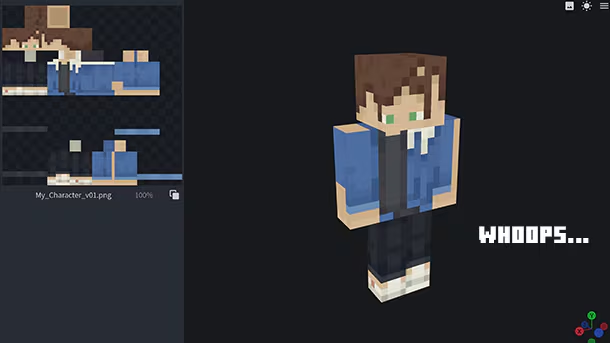
Until you get more familiar with how a skin is folded around the player model, sometimes the results can be… well, interesting.
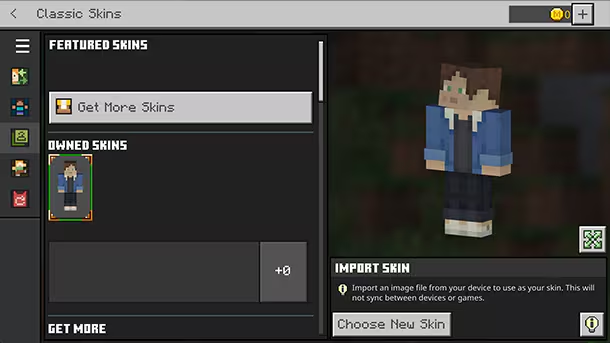
When you’re done customizing the skin exactly how you want it, you can add your skin pack to the game and then wear it by going into the Dressing Room and putting on your new, totally unique skin.