Chase the Clouds
Chase the Clouds combined recent game-drop features with Education interface and coding improvements. This Minecraft Education update released as 1.21.91, with its rollout dated July 22, 2025.
Mobs and World Generation
Recent Game Drops
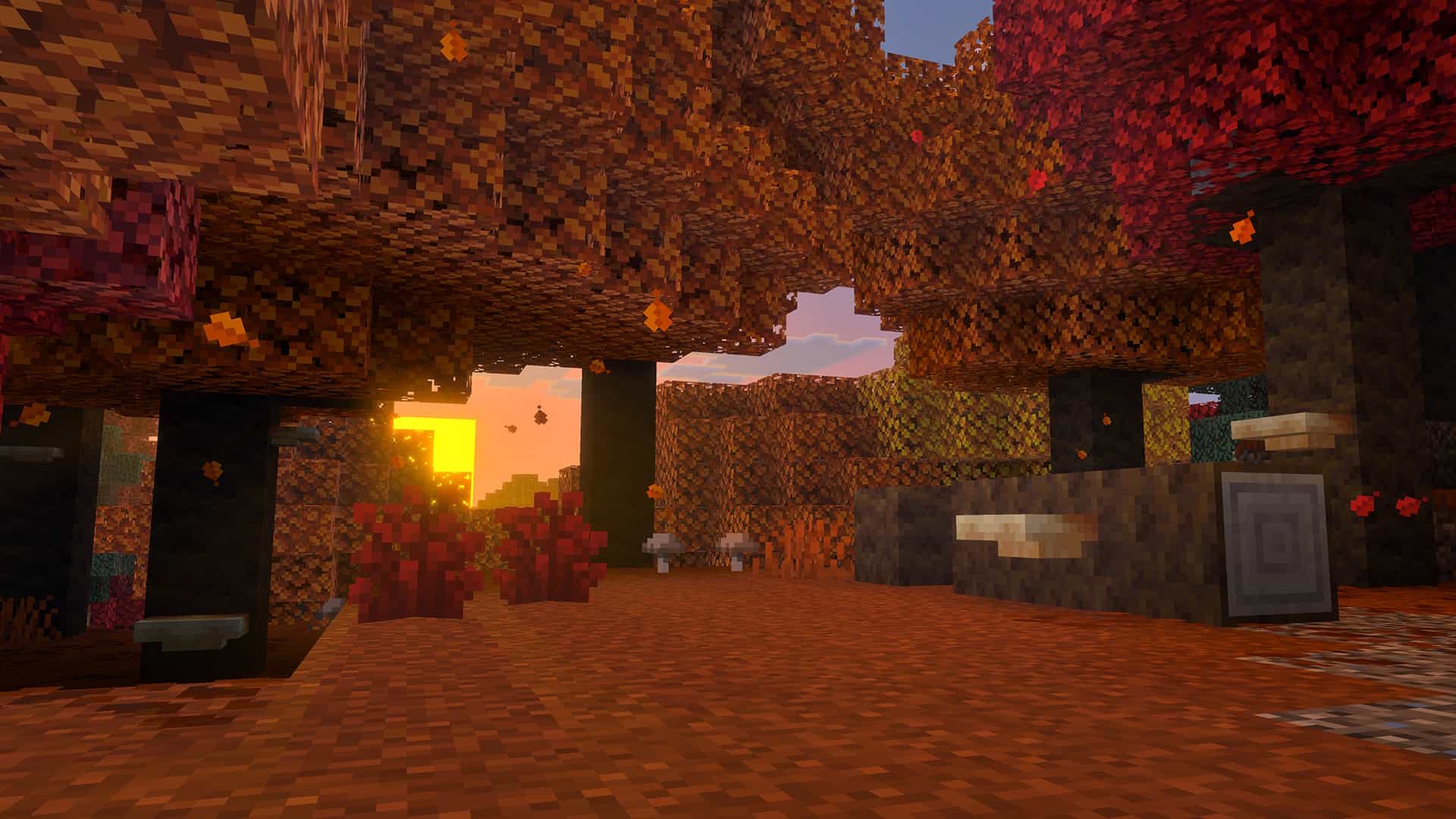
The update brought features from Bundles of Bravery, The Garden Awakens, Spring to Life, and Chase the Skies into Education. Bundles added flexible inventory storage, the Pale Garden introduced the Creaking and Pale Oak, climate-based farm animals diversified the Overworld, and Happy Ghasts expanded travel.
The Education release excluded Vibrant Visuals, Hardcore, and world pausing through the pause menu. Its feature set therefore differs from the consumer-edition releases it incorporates.
Classroom Tools and Interface
World Screens and Spectator Mode
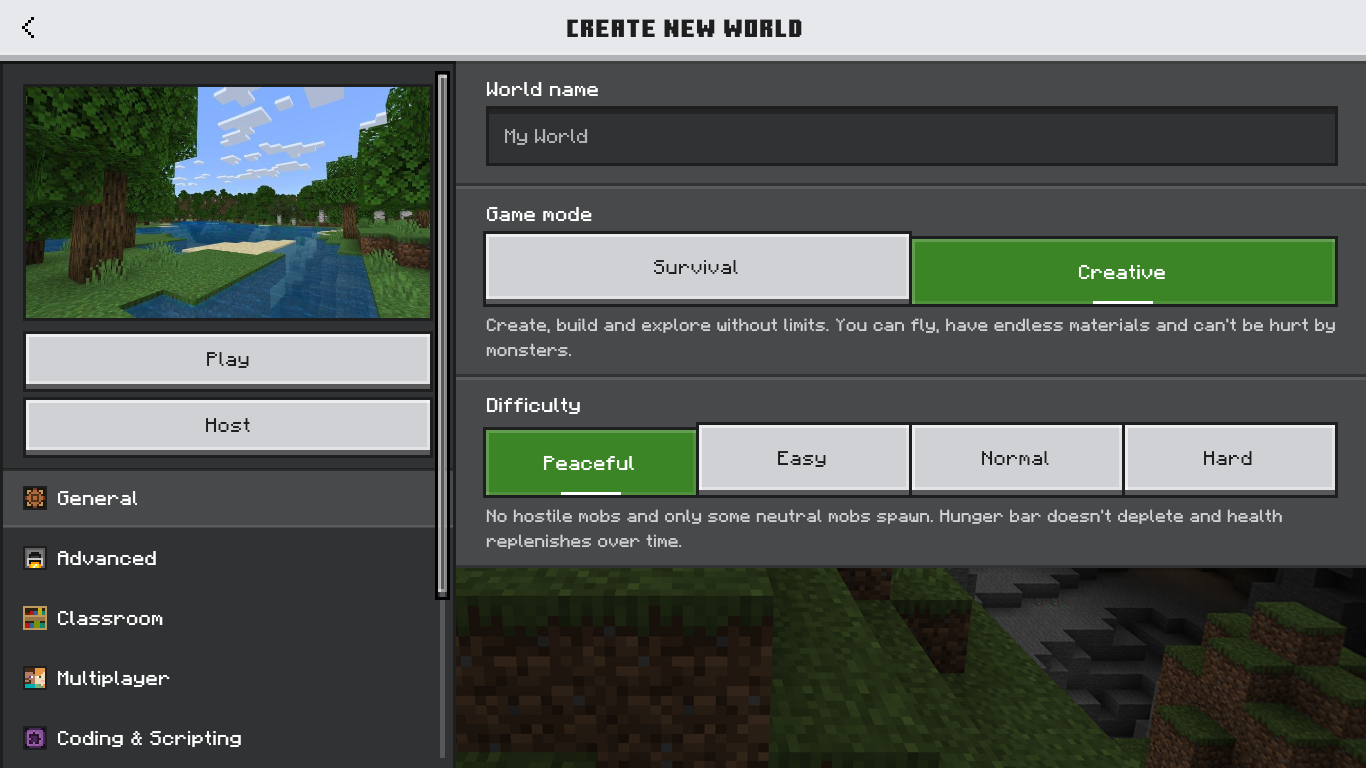
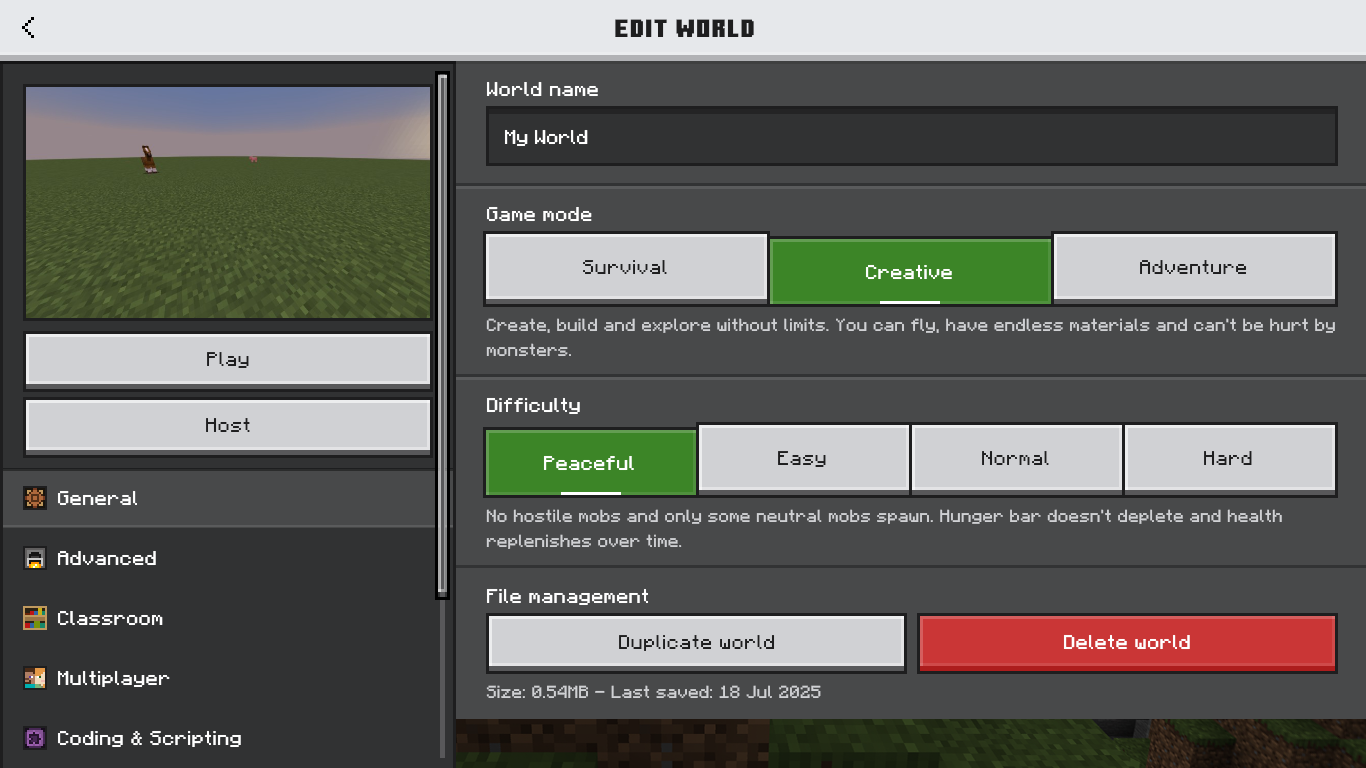
The Create New World and Edit World screens gained improved navigation through the newer interface. Spectator mode also became available, providing a way to observe a lesson world without ordinary interaction.
The Only Allow Trusted Skins option returned alongside the other world-management changes.
Cloud Storage
Cloud improvements supported larger world sizes, reduced errors, and improved upload and download performance. These changes continued the backup system introduced by the Cloud Update.
Coding and Multiplayer
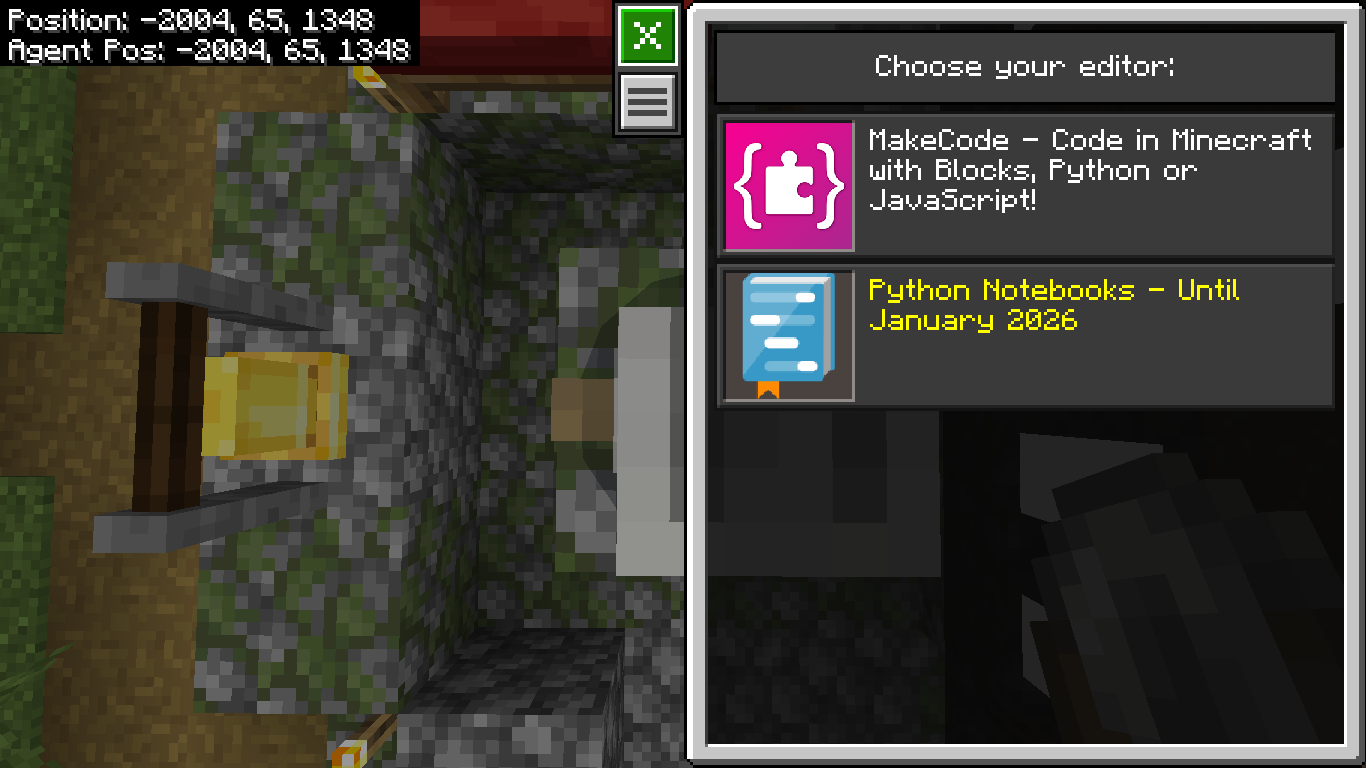
MakeCode file-reading and writing expanded coding workflows. Updated coding infrastructure, multiplayer sign-in, and connection handling improved reliability.
Tynker was removed as a supported IDE, with in-game notifications explaining the change. Existing lessons using that integration need to account for the supported alternatives.
Release Context
Chase the Clouds released as 1.21.91 on July 22, 2025, with macOS using 1.21.91.1. Its gallery shows the Education interface and coding changes rather than reusing unrelated promotional images.
Gallery
Screenshots