Learn to Code Update
Learn to Code Update improved Code Builder and classroom sign-in. This Minecraft Education update released as 1.14.50, with its rollout dated November 4–10, 2020.
Coding and Classroom Tools
Code Builder
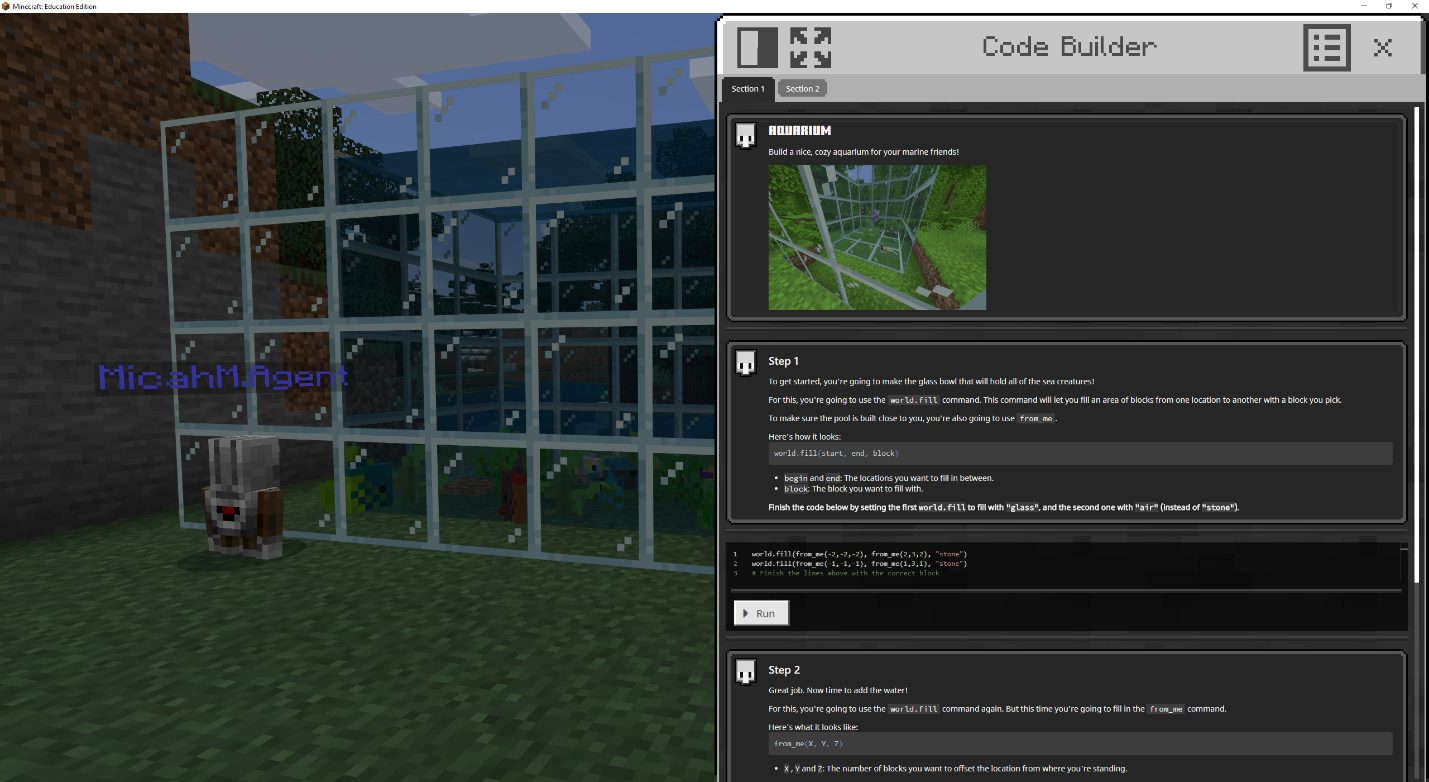
Code Builder gained a clearer home screen and reset controls, making it easier to begin a coding activity or return to a clean starting point. The updated navigation reduced the steps between choosing an exercise and testing code in a world.
A Tale of Two Villages
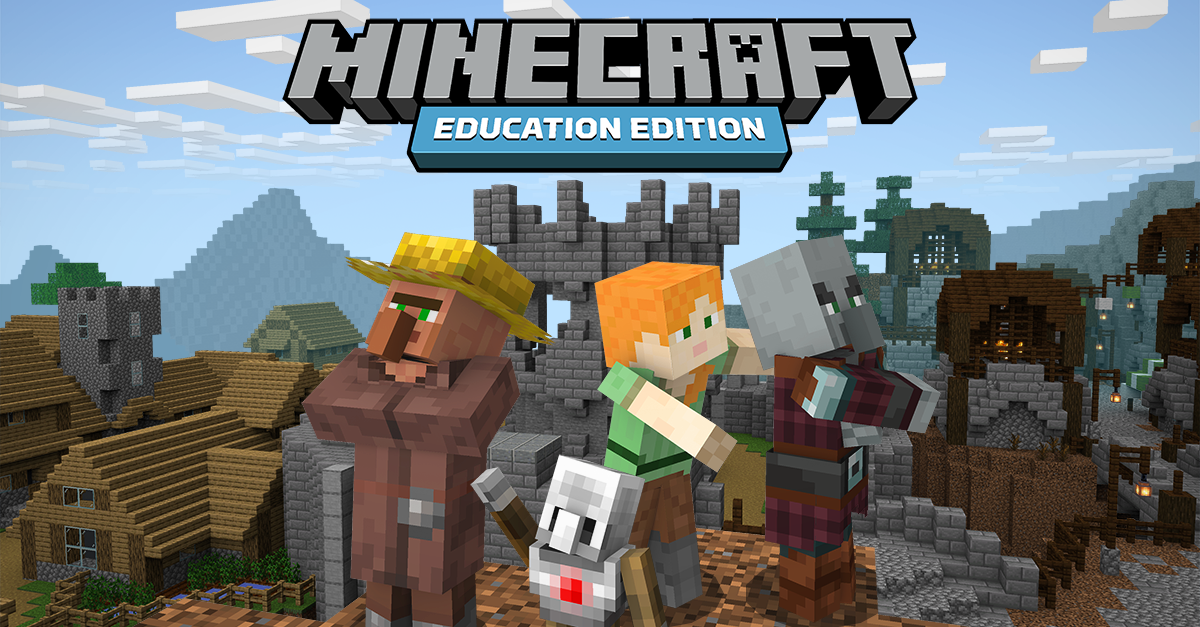
The Hour of Code: A Tale of Two Villages experience provided a guided programming activity. It connected coding tasks with a playable story and visible actions rather than presenting programming as an isolated menu.
Sign-In and Sharing
Supported Google and Microsoft Single Sign-On options expanded account access, including changes for macOS and iPad workflows. Library sharing continued to connect lessons with the services used by educators.
Interface
The coding-interface improvements made it easier to navigate, restart an activity, and manage progress. The gallery includes the interface introduced during this release, distinguishing an actual tool screenshot from the promotional artwork.
Platform Releases
ChromeOS received 1.14.50 on November 4, 2020. Other supported platforms followed on November 10. This was a minor Education update after the Chromebook Release, focused on coding and access rather than a new Survival expansion.
Gallery
Official Artwork
Mojang Images